No signal event on file yet — status is unknown, not "quiet".
- first observed Kanon started keeping permanent history for this agent
| Machine-callable | — | unknown | — |
| Open source | — | unknown | — |
| Self-hostable | — | unknown | — |
| Bring your own key | — | unknown | — |
| Autonomy level | — | unknown | — |
| Pricing model | — | unknown | — |
| Integrations | — | unknown | — |
“Unknown” means we have not verified it — it is not a “no”. Hard filters never treat unknown as false.
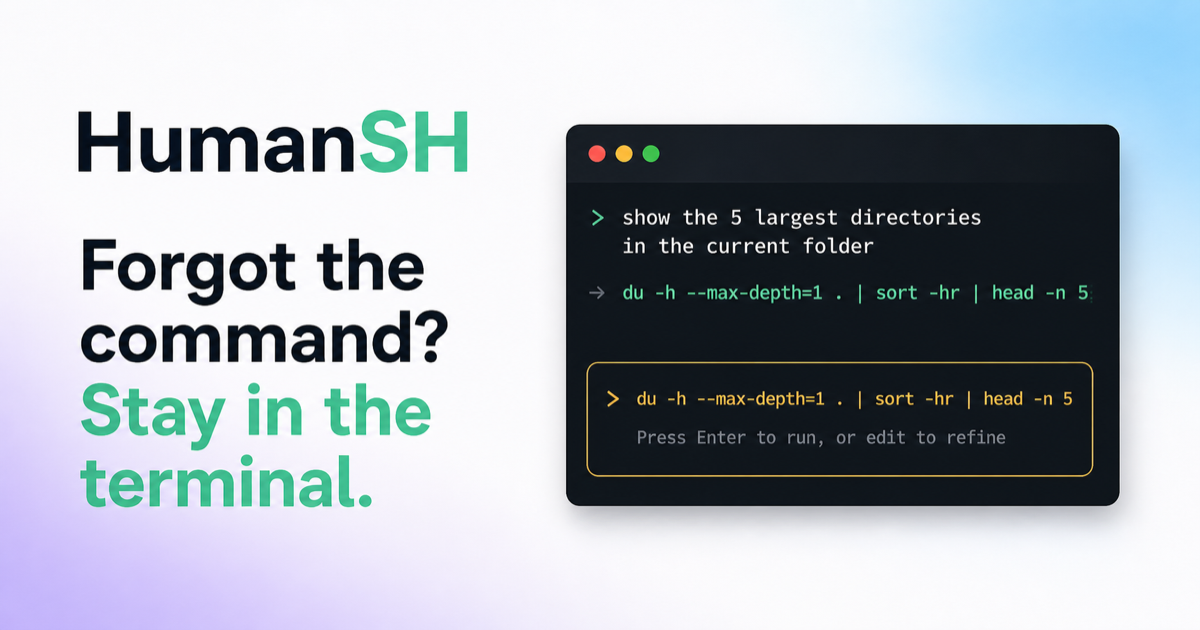
It directly addresses the common frustration of forgetting CLI commands by integrating AI suggestions into the terminal experience.

FAQ
What is Forgot the Command? Stay in the Terminal?
Helps developers quickly recall terminal commands by suggesting context-aware alternatives when they forget, reducing time spent looking up syntax.
What does Forgot the Command? Stay in the Terminal do?
When a developer forgets a command in the terminal, they need fast, accurate suggestions that match their current context to avoid interrupting their workflow.
Why does Forgot the Command? Stay in the Terminal matter?
It directly addresses the common frustration of forgetting CLI commands by integrating AI suggestions into the terminal experience.
How much does Forgot the Command? Stay in the Terminal cost?
Free open source
Is Forgot the Command? Stay in the Terminal free?
Yes — Forgot the Command? Stay in the Terminal has a free tier. Pricing as stated on its own page: Free open source
How popular is Forgot the Command? Stay in the Terminal?
As tracked by KanonAgent: 3 upvotes (first indexed 2026-08-27).
What are the best Forgot the Command? Stay in the Terminal alternatives?
Similar AI agents tracked by KanonAgent: deepseek-harness, gemini-cli, Codédex, LLM Gateway, oh-my-openagent, goose.